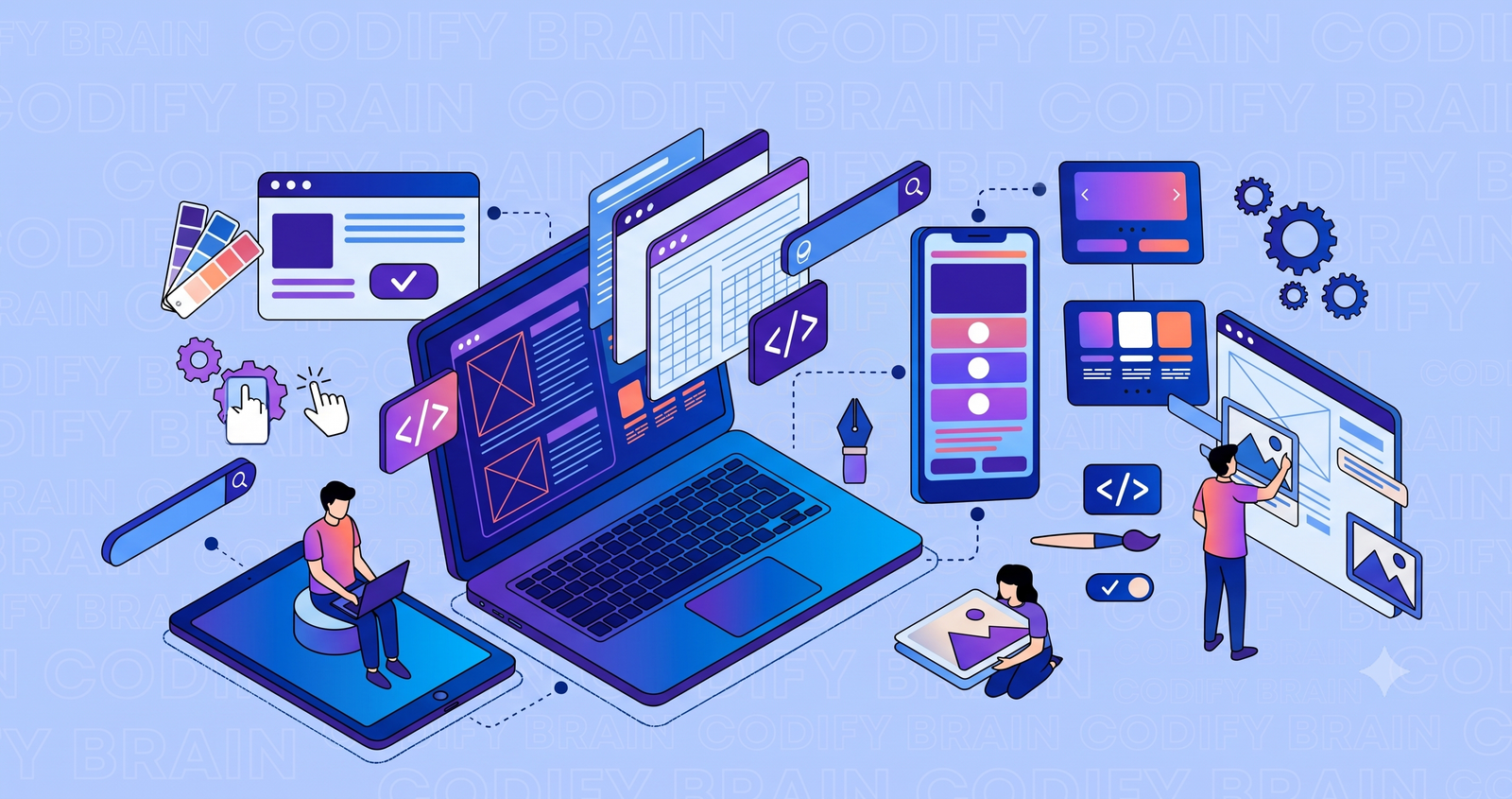
Web Design for Beginners: Step-by-Step Guide 2026
- By Admin
- |
- 0 Comments
Web design for beginners does not have to be complicated. With the right approach, anyone can learn how to plan, design, and improve a website without years of technical experience.
A successful website is more than a collection of attractive images and colorful sections. It needs clear navigation, readable content, responsive layouts, and a user-friendly experience.
Whether you are designing a personal portfolio, business website, blog, or online store, understanding the fundamentals of web design helps you make better decisions.
In this beginner-friendly guide, you will learn how to design a website step by step, explore essential design principles, discover useful tools, and understand how to make your website SEO-friendly.
What Is Web Design?
Web design is the process of planning and creating the visual appearance, layout, structure, and user experience of a website.
It includes selecting colors, typography, images, navigation menus, buttons, and other elements that help visitors interact with a website.
Good web design balances three important factors: appearance, functionality, and accessibility.
A website should not only look professional but also help users find information and complete tasks efficiently.
Web Design vs. Web Development

Although web design and web development are closely connected, they have different responsibilities.
Web design focuses on how a website looks and how people interact with it.
Web development focuses on building the website and implementing its functionality using programming languages and frameworks.
For example, a designer might create a contact form layout, while a developer makes sure the form sends information correctly.
Understanding this difference helps beginners choose the skills they want to learn.
How to Design a Website Step by Step

Creating a website becomes easier when you follow a structured process.
The following steps provide a practical roadmap for designing your first website.
Step 1: Define Your Website's Purpose
Before choosing colors or building pages, identify what you want your website to achieve.
A website can have different goals, including generating business leads, selling products, sharing information, or showcasing professional work.
Ask yourself:
-
Who is my target audience?
-
What problem does my website solve?
-
What information do visitors need?
-
What action should visitors take?
For example, a local fitness studio might want visitors to explore available classes and book an introductory session.
A clear goal helps you avoid unnecessary design elements and focus on what matters.
Step 2: Plan Your Website Structure
Website structure determines how pages are organized and connected.
Most beginner websites include a homepage, about page, services or products page, and contact page.
Some websites may also need a blog, FAQ section, or portfolio.
Create a simple sitemap before starting the visual design.
Your navigation should use descriptive labels that visitors can understand immediately.
Avoid complicated menus that make users search unnecessarily for important information.
Step 3: Create a Website Wireframe
A wireframe is a basic visual plan that shows where important elements will appear on a webpage.
It helps you organize the website before selecting final colors, images, or fonts.
A simple homepage wireframe might include:
-
Header with logo and navigation
-
Main heading and introduction
-
Primary call-to-action button
-
Services or featured content
-
Testimonials or supporting information
-
Contact section and footer
You can create a wireframe on paper or use a digital design tool.
The goal is to establish a logical layout before working on visual details.
Step 4: Choose Colors and Typography
Learn more about choosing website colors in our Color Theory in Web Design guide.
Colors and typography influence how visitors perceive and interact with a website.
Choose a color palette that matches the website's purpose and brand identity.
For beginners, a limited palette with a primary color, supporting colors, and neutral backgrounds is often easier to manage.
Typography should remain consistent throughout the website.
Use readable fonts, suitable text sizes, and enough spacing between paragraphs.
Headings should stand out clearly from body text.
Avoid using too many font styles or decorative elements that make content difficult to read.
Step 5: Build a Responsive Website Layout
Responsive web design allows a website to adapt to different screen sizes.
A responsive layout should work effectively on smartphones, tablets, laptops, and desktop computers.
Start by checking how important elements appear on smaller screens.
Make sure navigation menus, images, buttons, and text remain usable.
For example, a three-column services section on a desktop may become a single-column layout on a smartphone.
Responsive design improves usability and helps visitors access information regardless of their device.
Step 6: Write Clear and Helpful Content
Content is one of the most important components of an effective website.
Every page should communicate its purpose clearly.
Use descriptive headings, short paragraphs, and straightforward language.
Place important information near the beginning of each section.
Instead of writing a vague heading such as "Welcome to Our Website," explain what the business offers.
For example:
"Custom Website Design for Small Businesses"
This heading immediately communicates the service being provided.
Use meaningful calls to action such as "Explore Our Services" or "Request a Consultation."
Step 7: Choose the Right Website Design Tools
Selecting beginner-friendly tools can simplify the website creation process.
Different tools serve different purposes.
Figma: Useful for wireframes, interface design, and interactive prototypes.
Canva: Helpful for creating simple graphics and visual assets.
Visual Studio Code: A code editor for building websites with HTML, CSS, and JavaScript.
WordPress: A content management system that allows users to create and manage websites.
Chrome DevTools: Useful for inspecting layouts and testing how websites behave on different screen sizes.
Choose tools based on your goals rather than trying to learn everything at once.
Step 8: Test Your Website Before Publishing
Website testing helps identify problems that could affect visitors.
Check your website on different devices and browsers.
Make sure that navigation links, contact forms, images, and buttons work correctly.
Review text readability, page layout, loading performance, and accessibility.
Also confirm that important pages have appropriate titles and headings.
Testing before publishing can reduce avoidable mistakes and improve the overall experience.
Basic Web Design Principles Every Beginner Should Know
Understanding core design principles helps you create websites that look organized and function effectively.
Visual Hierarchy
Visual hierarchy determines which elements attract attention first.
Use headings, spacing, contrast, and positioning to guide visitors toward important content.
The most important message should be easy to identify.
Consistency
Consistent colors, typography, buttons, and spacing create a unified experience.
Visitors should not need to learn a completely different layout when moving between pages.
White Space
White space is the empty area between design elements.
It improves readability and helps important sections stand out.
Avoid filling every part of a webpage with text or images.
Accessibility
Accessible web design helps people with different abilities use websites effectively.
Use descriptive link text, readable font sizes, sufficient color contrast, and meaningful alternative text for informative images.
Ensure that important controls can be accessed with a keyboard.
Accessibility should be considered throughout the design process rather than treated as a final addition.
Practical Web Design Example: Create a Small Business Website
Imagine that you are designing a website for a neighborhood coffee shop.
Your goal is to help customers discover the cafe, browse the menu, and find its location.
Start by planning four sections.
Hero Section: Introduce the cafe with a clear headline, relevant image, and menu button.
Menu Section: Display popular drinks and food items using readable descriptions.
About Section: Explain what makes the cafe different.
Contact Section: Provide opening hours, location information, and contact details.
Next, create a simple wireframe and choose a visual style that fits the cafe's personality.
Design the mobile layout before adding unnecessary visual effects.
Finally, test whether visitors can easily locate the menu and contact information.
This small project provides practical experience with layout planning, typography, responsive design, and navigation.
How to Make Your Website SEO-Friendly
Search engine optimization should be considered during the website design process.
An SEO-friendly website helps search engines understand its content and makes information easier for visitors to find.
For more detailed recommendations, explore Google's SEO Starter Guide.
Use Descriptive Page Titles
Each important page should have a title that accurately represents its content.
Avoid using the same generic title across multiple pages.
Organize Content With Proper Headings
Use one clear primary heading and organize supporting sections with meaningful subheadings.
A logical heading structure makes content easier to navigate.
Optimize Images
Use relevant images that support the page content.
Compress large image files when appropriate, and provide descriptive alternative text for informative images.
Improve Website Performance
Avoid unnecessarily large media files and excessive scripts.
Test loading performance using tools such as Google PageSpeed Insights.
Add Relevant Internal Links
Connect related pages using descriptive link text.
For example, a beginner web design article can link to a detailed guide about color theory or responsive design.
Internal links help visitors discover additional information.
Common Web Design Mistakes to Avoid
Beginners often focus heavily on visual appearance while overlooking functionality.
Common mistakes include:
-
Using too many colors and fonts
-
Creating confusing navigation menus
-
Ignoring mobile screen sizes
-
Adding oversized images
-
Using unclear headings
-
Making buttons difficult to identify
-
Forgetting accessibility requirements
-
Publishing without testing links and forms
A simple website that works consistently is often more useful than a complicated design filled with unnecessary effects.
Beginner Web Design Checklist for 2026
Before launching your website, review the following questions.
Is the purpose of the website clear?
Can visitors find important pages easily?
Does the website work on mobile devices?
Are headings and paragraphs readable?
Do buttons and forms work correctly?
Are informative images accompanied by useful alternative text?
Does each important page have an appropriate title?
Have you tested website performance and accessibility?
These questions help identify improvements before your website becomes publicly available.
Frequently Asked Questions About Web Design
Is Web Design Easy for Beginners?
Web design becomes easier when you start with fundamental principles and practice regularly.
Begin with simple layouts and gradually explore more advanced design techniques.
Can I Learn Web Design Without Coding?
Yes. You can learn visual design, wireframing, typography, and user experience without writing code.
However, understanding basic HTML and CSS can help you work more effectively with developers and understand how designs become functional websites.
What Should I Learn First in Web Design?
Start with website structure, visual hierarchy, typography, colors, responsive layouts, and accessibility.
After understanding these concepts, practice by designing a small website.
Which Tool Is Best for Beginner Web Designers?
Figma is useful for learning interface design and wireframing.
If you want to build websites through coding, Visual Studio Code is a practical starting point.
The right choice depends on whether your goal is designing interfaces or developing functional websites.
How Can I Improve My Web Design Skills?
Practice by redesigning simple page layouts, studying user-friendly websites, testing your work on different devices, and collecting feedback.
Focus on solving real user problems rather than copying visual trends.
Conclusion
Learning web design for beginners is about understanding how people interact with websites and creating experiences that meet their needs.
By planning your website structure, designing responsive layouts, choosing readable typography, and applying essential SEO principles, you can build a strong foundation.
Start with a small project, test your design, and improve it based on feedback.
If your business needs professional website design, development, or digital marketing support, explore the services offered by Codify Brain to learn how a well-planned website can support your online presence.
- Web Design & Development
- web design for beginners,website design,responsive web design,web design tips,UI UX design,web design tools,